
What Is the SkillStory Credential Wallet?
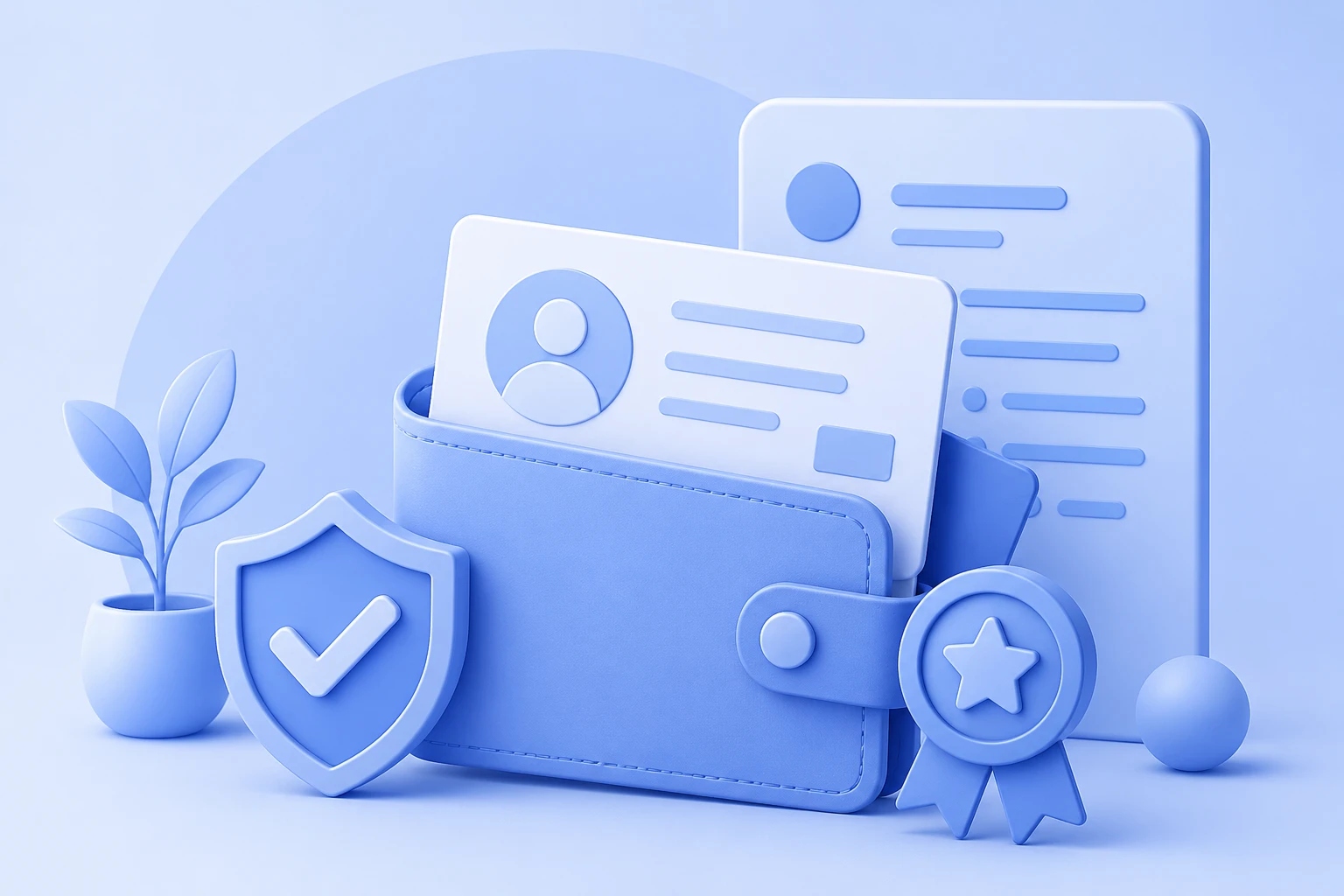
The SkillStory Credential Wallet is a single, verified space where you collect and display all your professional achievements — certificates, badges, extracurriculars, and academic milestones. Unlike a resume attachment, your wallet is live, shareable, and always up to date.
Why Recruiters Love It
Recruiters spend an average of 7 seconds on a resume. A SkillStory Credential Wallet gives them something richer: verified proof of your skills in one click.
- Instant verification — every credential is cryptographically signed
- Always current — no need to email an updated CV; your wallet updates in real time
- Shareable link — one URL to send to any recruiter or paste into a LinkedIn message
Step 1: Connect Your CertifyMe Account
If your institution or course provider uses CertifyMe, your credentials sync automatically. Go to Settings → Integrations → CertifyMe and connect with one click. Certificates appear in your wallet within minutes of being issued.
Step 2: Add External Credentials
Not all certificates come through CertifyMe. From the Add Credential panel you can import:
- Coursera, Udemy, LinkedIn Learning certificates (paste the URL or upload the PDF)
- Offline achievements — upload a scan and fill in the issuer details
- GitHub repos, published articles, and competition awards
Step 3: Organise by Category
Drag and drop credentials into categories:
| Category | Examples |
|---|---|
| Technical Skills | Python, AWS, Figma certifications |
| Soft Skills | Leadership workshops, communication courses |
| Academic | Dean’s list, scholarships, project prizes |
| Extracurricular | Sports captain, volunteering, club roles |
Step 4: Control Privacy
Each credential can be set to Public, Link-only, or Private. A recruiter-ready link shows only what you choose. Sensitive grades or personal awards can stay private while your technical certifications remain visible.
Step 5: Embed in Your Portfolio and CV
SkillStory auto-generates a Credentials section in your portfolio and pulls verified badges into your AI-built CV. Recruiters scanning your CV see the ✔ Verified tag next to each skill — a trust signal that a plain text resume can never provide.
Pro Tips
- Add a credential the day you earn it — don’t let achievements pile up
- Write a one-line reflection for each certificate explaining what you learned
- Pin your top 3 credentials so they appear above the fold on your public wallet
Your credential wallet is your career passport. Start filling it today and let your achievements speak for themselves.